 DSLR Assistant
Tethering, start to finish.
One Mac app.
Shoot, review the shot full-size, and watch it land in the right folder.
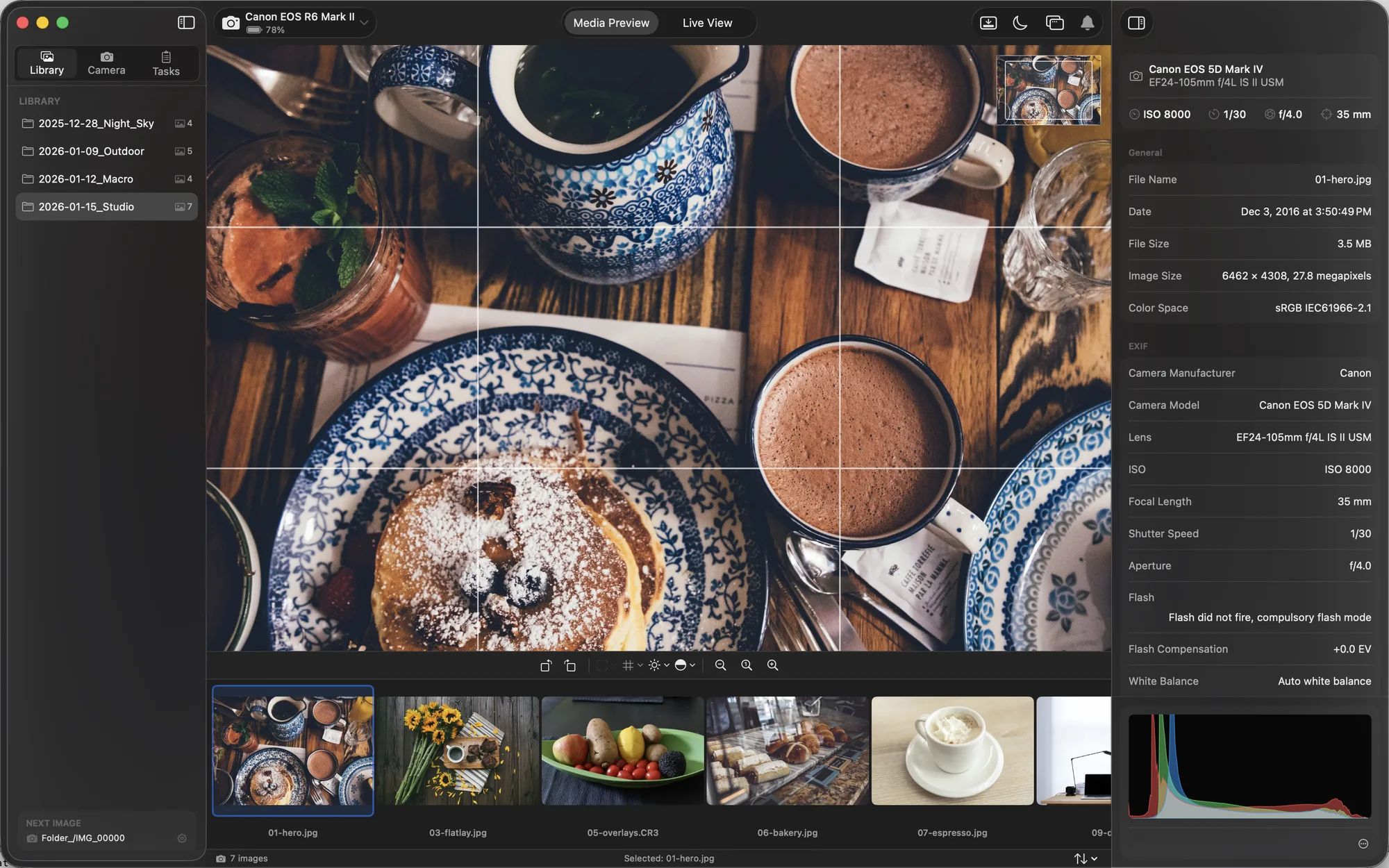
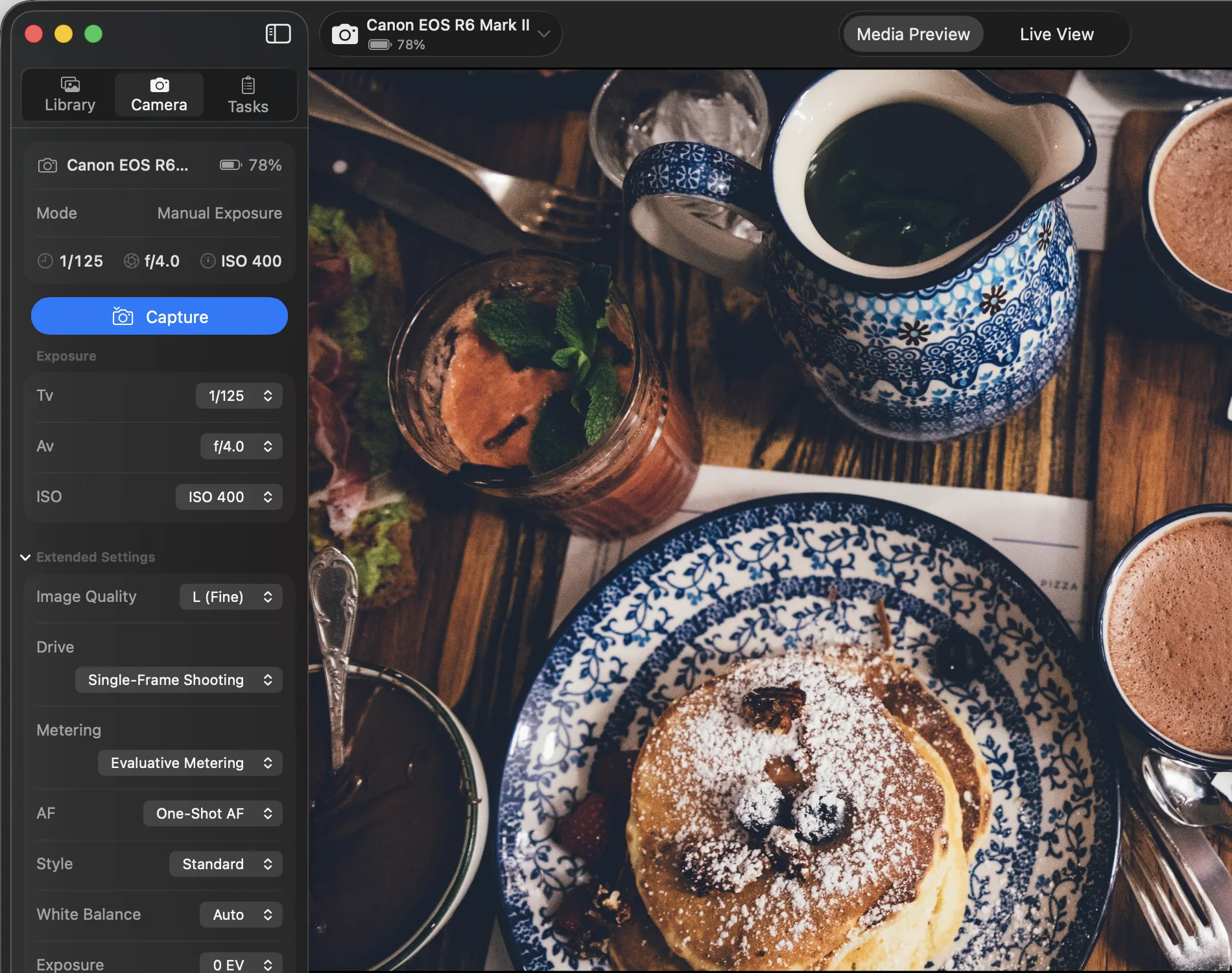
Shoot from your Mac
Aperture, shutter, ISO, white balance and focus — every setting the camera has, controlled from the app the moment you plug in.
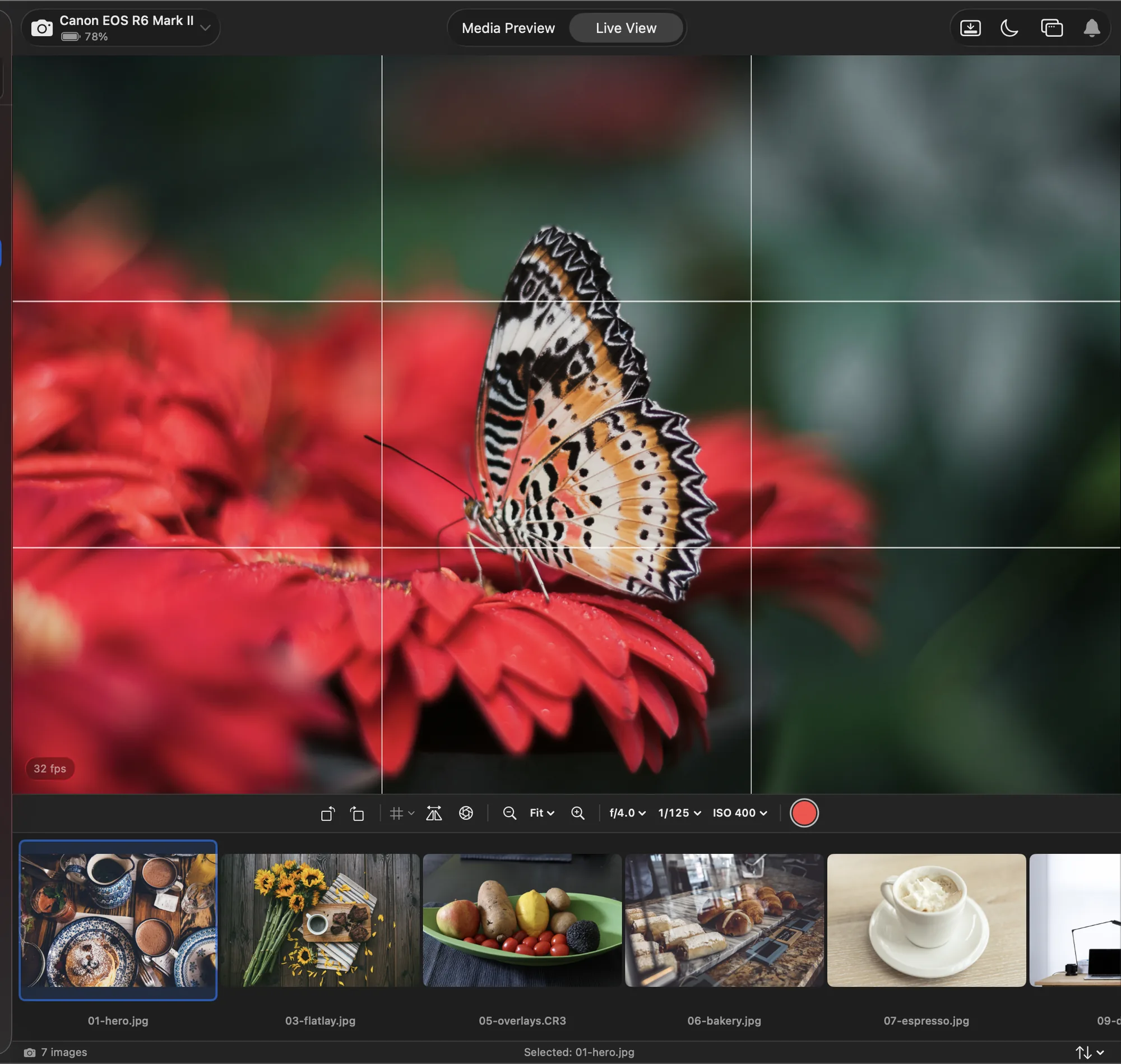
Full-size Live View, on your Mac's screen
A real-time feed from the camera, with 10× zoom and a depth-of-field preview to check focus before you commit.
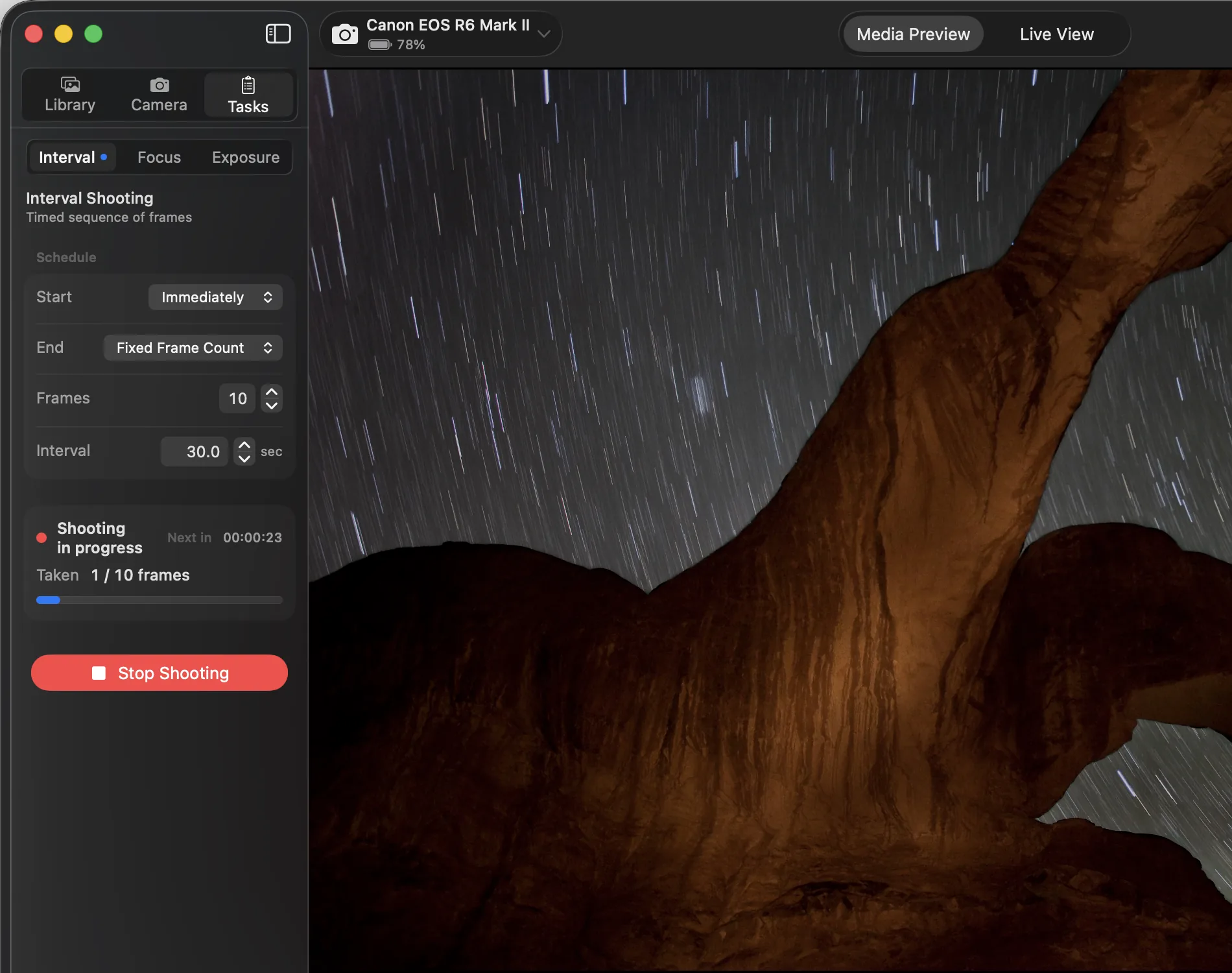
Let it shoot without you
Interval Shooting, Exposure Bracketing and Focus Bracketing run the whole sequence while you step back from the camera.
Land in the right folder, automatically
A drag-and-drop token editor names and sorts every file the moment it arrives — by date, camera, ISO, shutter or aperture.
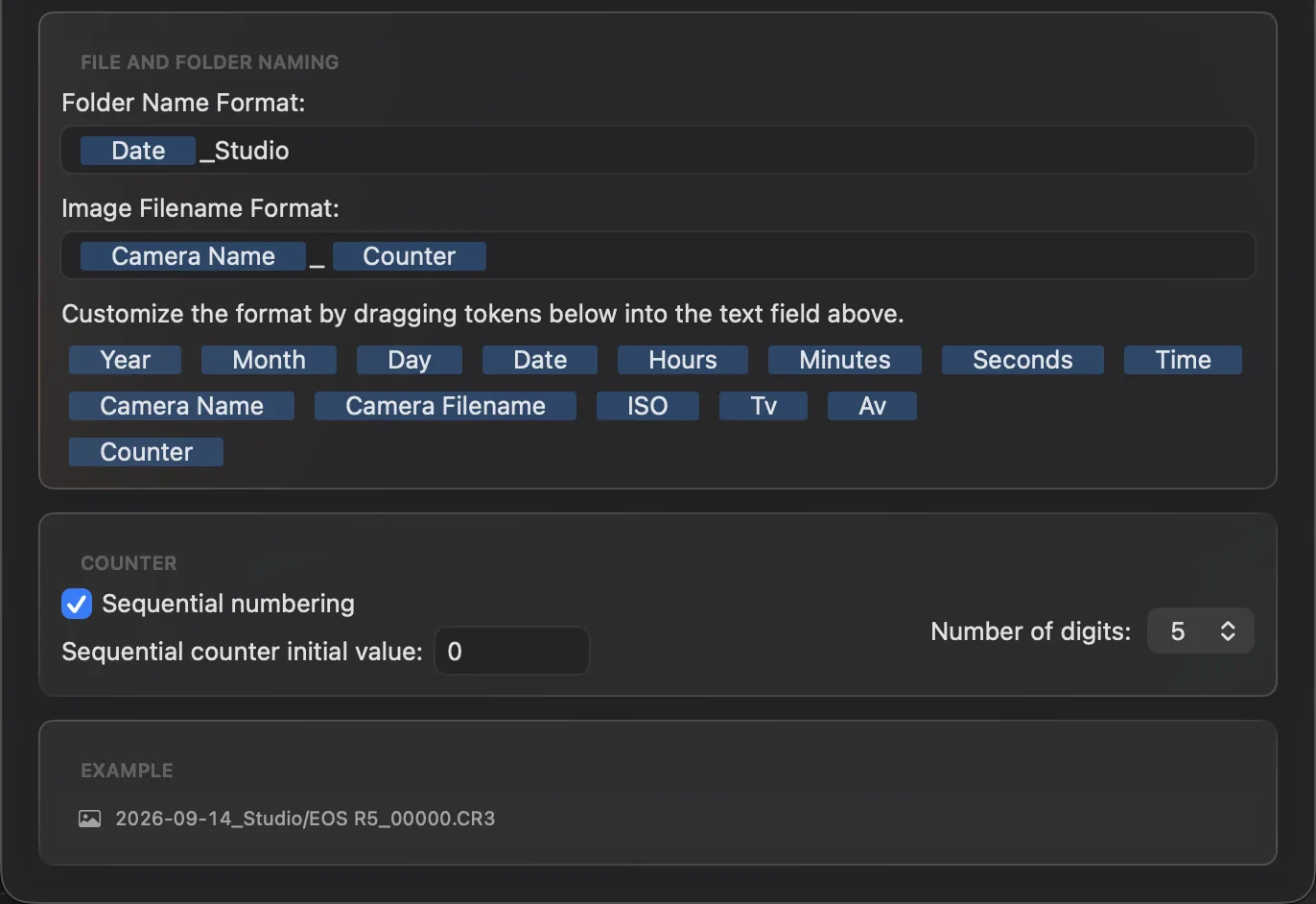
One app for the whole session.
DSLR Assistant handles the whole session: connect your camera, shoot by hand or let Interval, Exposure and Focus Bracketing run the sequence for you, watch each shot arrive full-size with a live histogram, and find every file already sorted into the right folder — all in one light, native Mac app.
Requirements
- macOS 14 or later
- Apple silicon or Intel
